
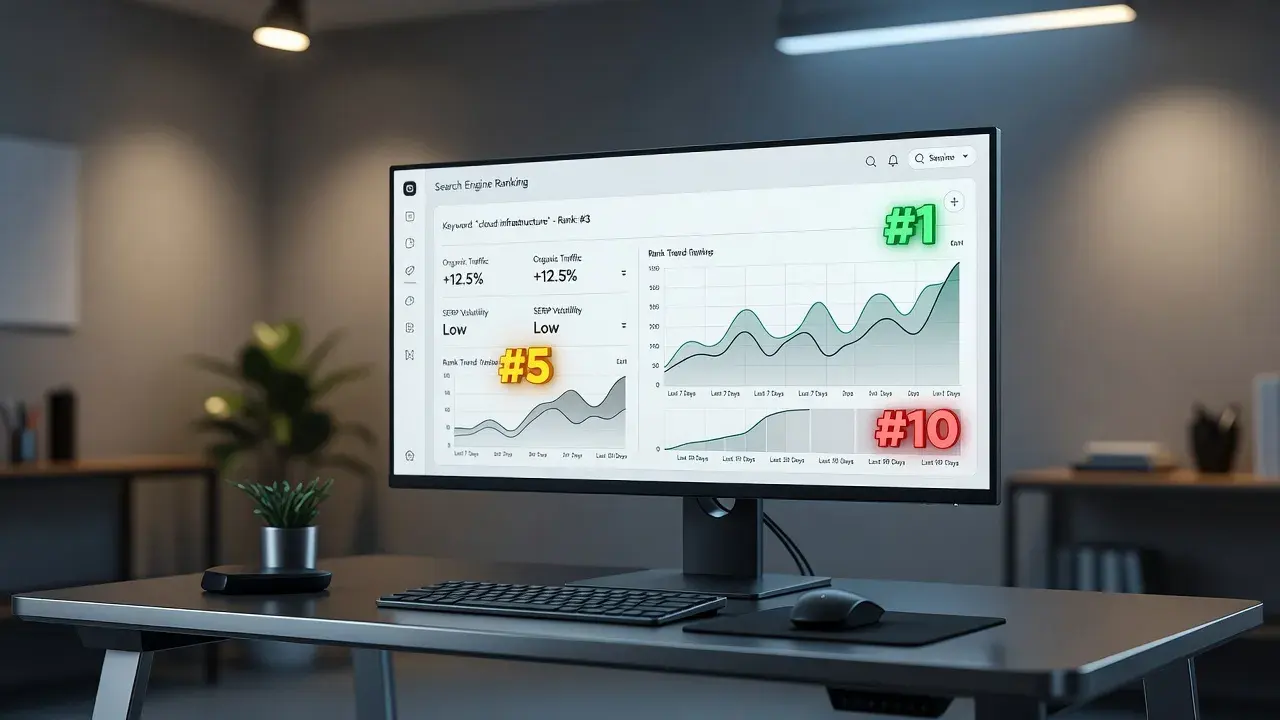
To monitor search engine rankings accurately, you must combine Google Search Console for real user impression data with a daily third-party position tracker and an AI citation monitoring tool. Relying on a single dashboard misses critical rank fluctuations caused by personalization, location variances, and AI Answer Overviews. Following a structured six-step setup gives you immediate visibility into where your site ranks, why position shifts happen, and how search engines cite your content.
The single variable that decides how you should set up your monitoring workflow is your search delivery model. If your business depends on local or high-frequency ecommerce queries, real-time daily tracking by zip code is mandatory. If your revenue comes from informational queries, tracking traditional organic ranks alongside generative AI citations determines whether your search traffic grows or drops.
| Step | Focus Area | Realistic Setup Time | Primary Tool Required | Key Output |
|---|---|---|---|---|
| Step 1 | Keyword Selection & Intent Mapping | 1 - 2 hours | Spreadsheet / Keyword Planner | Clustered master keyword list |
| Step 2 | Google Search Console Baseline Setup | 30 minutes | Google Search Console | Real click and impression baseline |
| Step 3 | Daily Position Tracker Configuration | 45 minutes | Third-party Rank Tracker | Daily rank tracking by location/device |
| Step 4 | Generative AI Citation Tracking | 1 hour | GEO Tracker / PulseRank | Citation visibility in AI engines |
| Step 5 | Device and Geo-Location Segmentation | 30 minutes | Analytics / Rank Tracker | Mobile vs. desktop variance map |
| Step 6 | Automated Alert Configuration | 15 minutes | Rank Tracker Alerts | Automated email alerts for rank shifts |
Step 1: Build your target keyword universe and intent map
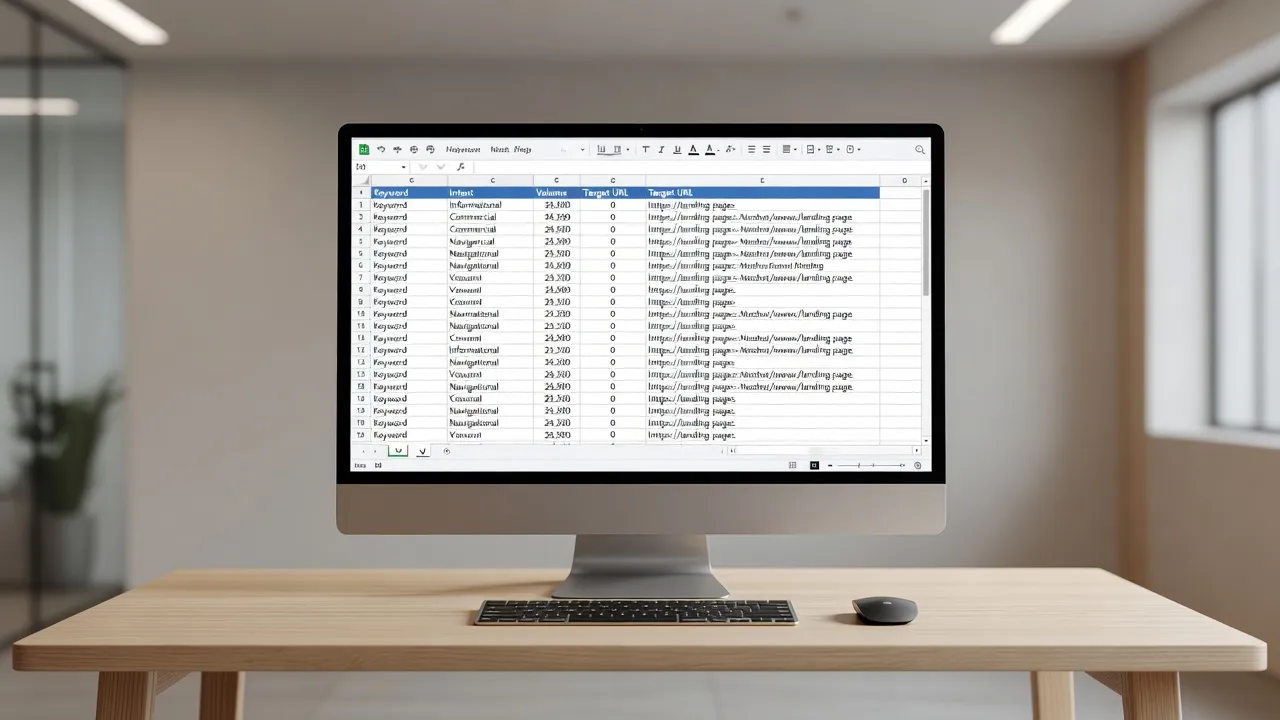
Building a target keyword universe requires gathering every search term that drives revenue or high-intent traffic to your site and grouping them by user intent. Do not track thousands of random terms without a clear target. Focus on primary commercial queries, localized service terms, and core informational topics that feed your marketing funnel.
Start by listing your top 20 money pages. For each URL, assign 3 to 5 core keywords that directly match what a buyer types into a search box.
Organize these keywords into three distinct categories:
- Commercial terms: High-intent phrases like "buy commercial coffee machine" or "best CRM for realtors."
- Local service terms: Location-modified phrases such as "plumber in Austin TX" or "roof repair near me."
- Informational/AEO terms: Question-based queries like "how to fix a leaking pipe" or "what is enterprise rank tracking."
If you need a framework for organizing content strategies around high-value queries, reviewing a content strategy sample can help you align your tracking lists with real business goals.
Categorizing your keywords from day one prevents misleading rank averages. A drop in rank for a low-value blog keyword matters far less than a single position shift on a primary revenue term.
Step 2: Connect Google Search Console as your baseline data feed
Google Search Console provides the only direct, first-party data regarding how many times your pages appear in real user searches. It records actual clicks, real impressions, and average positions across millions of query variations.
To set up your baseline, add your domain property to Google Search Console using DNS record verification. Domain properties capture all subdomains, standard protocols (HTTP vs. HTTPS), and path variations under a single property.
Once verified, navigate to the Performance report and examine three critical metrics:
- Total Impressions: How often your site appears in SERPs, even if users do not click.
- Average CTR: The percentage of impressions that result in a user visiting your site.
- Average Position: The mathematical mean ranking score for your selected date range.
Keep in mind that average position can skew your actual performance numbers. If your page ranks #1 for a rare exact search and #50 for a broad search, Google reports an average position near #25. Treat Google Search Console as your baseline volume validator rather than your sole daily rank checker.
Step 3: Configure a third-party rank tracker for daily geo-targeted updates
Third-party position trackers use automated crawlers to check your exact keyword positions at fixed intervals, eliminating personalized search bias. Search engines customize live results based on search history, physical location, and account login status. Rank tracking tools simulate unbiased, clean-session searches.
When setting up your rank tracking software, enter your target keyword list and configure these three essential parameters:
- Exact Location: Set your tracking location to the specific country, state, city, or postal code where your customers live.
- Device Type: Split your keyword tracking into separate desktop and mobile projects. Mobile SERPs often feature larger map packs and distinct layout grids.
- Search Engine: Ensure tracking is active on Google, Bing, and secondary engines if your audience uses them.
For businesses operating across multiple markets or managing high keyword volumes, choosing specialized software like enterprise rank tracking ensures high data throughput and precise location targeting down to the municipal level.
Step 4: Track generative search engine citations and AI Overviews
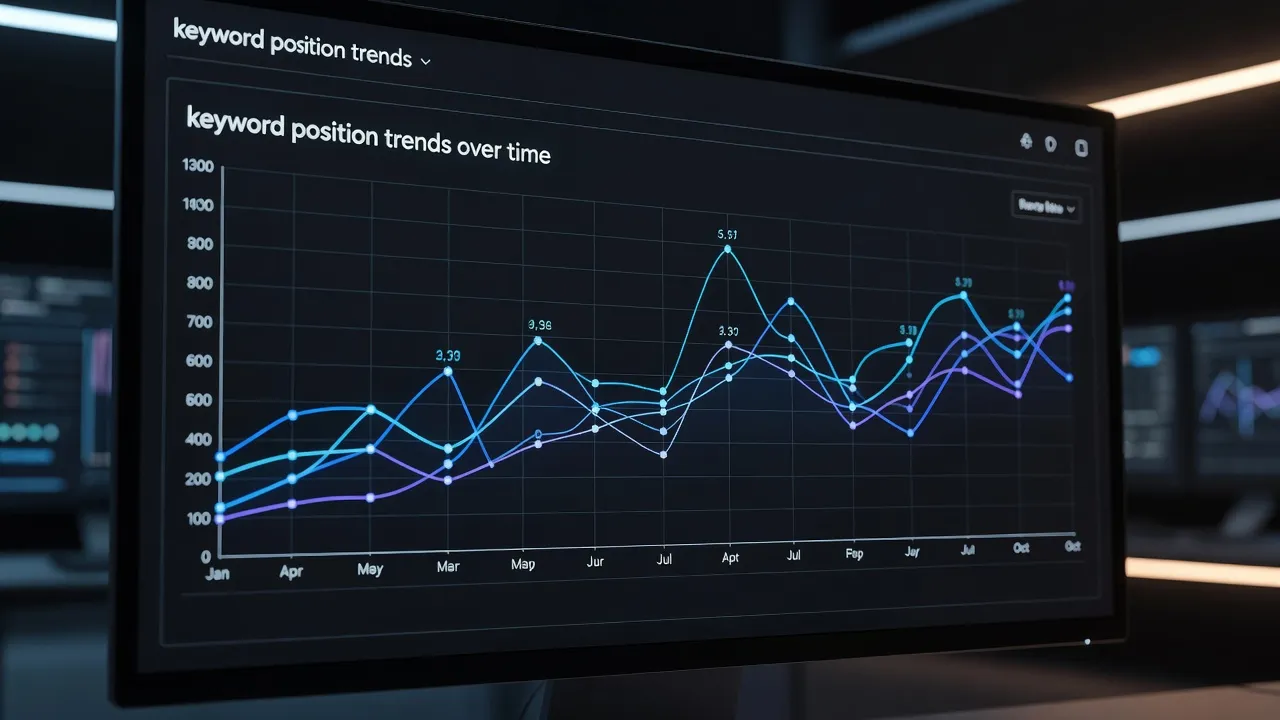
Generative search engines like ChatGPT, Perplexity, and Google AI Overviews answer user questions directly, making AI citation tracking vital alongside traditional rank tracking. Modern searchers often read generated AI answer cards rather than scrolling down to standard blue links.
As of August 2026, tracking search visibility requires monitoring whether AI engines cite your brand, list your URLs as reference sources, or extract data from your published content.
To track your generative visibility:
- Identify prompt queries: Convert your core informational keywords into natural language prompts (e.g., "What is the top rated CRM for real estate agents in 2026?").
- Audit citation sources: Check whether generative engines cite your domain in their reference cards or text footnotes.
- Use dedicated GEO tools: Run your core pages through an AEO GEO checker to measure your site's citation readiness and visibility score inside AI-generated answers.
Tracking both traditional ranks and AI citations gives you a clear picture of your actual online visibility. A page sitting at position #2 in organic blue links might lose traffic if an AI overview sits above it and omits your brand from its source list.
Step 5: Segment rankings by page intent, device type, and location
Segmenting rank data prevents sitewide metric averages from hiding critical local losses or device-specific technical errors. Aggregating all keyword positions into a single average rank score masks performance issues on individual pages.
Set up custom tags inside your rank tracker to group your keywords into logical buckets:
- Device Segments: Compare mobile rankings against desktop rankings for the same keyword set. If mobile rankings lag by more than 3 positions, inspect your mobile page speed and layout stability.
- Geographic Segments: Compare ranking performance in your home region against target expansion markets.
- Page Category Segments: Group keywords by product pages, service landing pages, and educational blog posts.
Evaluating rank trends within isolated segments makes immediate troubleshooting possible. If your educational blog posts lose position while your core commercial service pages maintain rank, the issue likely points to content freshness or changing search intent rather than a sitewide technical penalty.
Step 6: Set up automated alerts for algorithmic drops and gains
Automated rank alerts notify your team instantly when a key URL drops off page one, enabling swift technical and content updates. Manual rank monitoring takes hours and delays your response to algorithm updates or competitor changes.
Configure email or Slack notifications inside your rank tracking tool using these priority thresholds:
- Page-One Losses: Alert immediately when any primary commercial keyword drops from positions 1-10 to position 11 or lower.
- Significant Rank Shifts: Trigger a notification if any core term moves more than 5 positions in a 24-hour window.
- Competitor Moves: Track when a direct competitor gains 3 or more positions on a high-value money phrase.
Setting intelligent alert thresholds eliminates daily dashboard fatigue. Instead of obsessing over minor single-position daily adjustments, you receive actionable alerts only when genuine ranking shifts occur.
What are the best rank tracking tools in 2026?
The best rank tracking tools in 2026 depend on whether you need localized daily SERP scraping, competitor competitive intelligence, or an end-to-end organic growth solution. Selecting the right software comes down to matching its core feature set with your company's technical needs and reporting workflows.
Top options in the market include:
- AccuRanker: Built for high-speed, on-demand rank updating and granular local SERP feature tracking.
- SEMrush Position Tracking: Ideal for competitive audits, share of voice measurement, and managing large PPC/SEO keyword ecosystems.
- Ahrefs Rank Tracker: Best for teams already using Ahrefs for link audits who want scheduled visibility updates.
- SERPWatcher by Mangools: A simple, cost-effective tracker built for small business owners and freelancers.
- PulseRank: An all-in-one organic content and tracking platform designed for businesses that want strategy, content creation, and Search Console rank performance in a single workflow.
What are the limitations of Google Search Console for rank tracking?
Google Search Console limitations include a 48-hour data processing delay, average position smoothing, anonymized long-tail query removal, and a web interface export cap of 1,000 rows. While GSC is essential for first-party verification, these constraints limit its usefulness as a standalone daily rank monitor.
According to Google Search Console documentation, performance report data is subject to processing lags that mean yesterday's rankings are rarely visible in real time.
| Limitation | Description |
|---|---|
| Data Lag | 48-hour delay before full daily performance updates register |
| Metric Smoothing | Blends mobile, desktop, local, and national ranks into one average |
| Privacy Filters | Hides rare and long-tail user queries from click reports |
| Data Caps | Limits web UI exports to 1,000 keyword rows without API integration |
Google calculates average position by sum-ranking every impression your URL receives. If your page appears at position #1 for a precise local query 10 times, but appears at position #90 on desktop nationwide 90 times, your reported average position is #81. This mathematical smoothing makes tracking specific geographic rankings in GSC difficult.
How accurate is SEMrush for position tracking?
SEMrush position tracking is accurate for national search rankings, typically matching live desktop search results within 1 to 2 positions. Its daily updates reflect real-time adjustments on Google SERPs for tracked location parameters.
As outlined in SEMrush Position Tracking documentation, the tool updates location-based rankings daily by pulling SERP data for specific devices and geographic targets.
Minor discrepancies between SEMrush and live manual searches occur due to real-time search engine tests, user personalization, and layout changes. For competitive intelligence and national rank monitoring, SEMrush provides high data consistency.
How accurate is Ahrefs Rank Tracker for SERP tracking?
Ahrefs Rank Tracker provides accurate position estimates, but its update frequency on standard plans defaults to every 3 to 7 days rather than daily. This update interval makes it less suited for tracking real-time algorithmic fluctuations.
Per Ahrefs Rank Tracker product specifications, position data updates periodically depending on your plan level, catching major structural trends while missing micro-fluctuations.
Ahrefs excels at calculating Overall Search Visibility percentage and tracking SERP feature ownership (such as featured snippets and site links). However, if your business requires immediate daily feedback after publishing or updating content, the default refresh cycle may introduce reporting lags.
How accurate is AccuRanker for rank tracking?
AccuRanker is widely regarded as one of the most accurate rank trackers available due to its on-demand refresh feature and real-time SERP rendering engine. It allows users to manually re-check keyword positions at any moment during the day.
AccuRanker tracks positions down to specific street addresses and postal codes, accurately rendering localized map packs, local intent grids, and shopping carousels. Its dedicated focus on rank tracking ensures minimal data smoothing, making it a reliable choice for enterprise brands and local SEO agencies.
How accurate is SERPWatcher (Mangools) for rank tracking?
SERPWatcher provides reliable daily rank tracking for small to mid-sized keyword sets, using localized IP proxies to maintain solid geographic precision. It simplifies position data into a clear Performance Index score.
While SERPWatcher handles standard local and national rank tracking accurately, it offers fewer advanced filters for dynamic SERP elements and complex AI overviews than high-end enterprise platforms. It remains a dependable option for straightforward daily rank tracking on a budget.
Combining rank tracking with automated content execution
Monitoring search engine rankings identifies traffic opportunities, but growing your business requires acting on that data by publishing and optimizing content. Knowing that a key page dropped from position #3 to position #8 is only useful if you have the resources to update that content quickly.
This operational bottleneck is why many companies find traditional rank trackers incomplete. Standard software alerts you to rank changes, but forces you to handle keyword research, content briefs, writer hires, image sourcing, and manual publishing across separate tools.
| Aspect | Traditional Workflow | PulseRank Unified |
|---|---|---|
| Rank tracking | Rank Tracker | GSC Tracking |
| Keyword research | Keyword Tool | Keyword Research |
| Strategy | Strategy | |
| Content creation | Freelance Writer | 30 Articles/Mo |
| Publishing | CMS Manual Uploads | Auto-Publish |
PulseRank addresses this by running your entire organic strategy inside one platform. Instead of charging for separate tools, PulseRank handles keyword research, builds a 30-day content strategy, and generates 30 citation-ready, fully sourced articles every 30 days.
Each article ships with structured data tables, third-party source citations, custom images with alt text, and internal links pre-formatted for direct publishing to WordPress, Shopify, Wix, or Git.
Built-in Google Search Console performance views track how your newly published content ranks, flagging under-performing URLs alongside generative AI citation monitoring. If you manage client sites, leveraging an integrated engine for content marketing for agencies reduces tool clutter while maintaining consistent publishing schedules.
At $499 per month flat with a 7-day free trial, PulseRank replaces multiple software subscriptions with a single content generation and rank performance engine.
Frequently Asked Questions
How often should I check my search engine rankings?
Check high-stakes commercial keywords daily using automated position tracking tools. Review broader sitewide performance and Search Console impression trends weekly or monthly to avoid overreacting to normal day-to-day rank fluctuations.
Why do my live search results differ from my rank tracker data?
Live search results vary based on your physical location, browser search history, device type, and active Google account logins. Third-party rank trackers use clean, non-personalized proxy servers to measure unbiased positioning.
Does tracking rankings impact my site's organic traffic or bandwidth?
No, tracking your rankings does not affect your website bandwidth or search performance. Third-party tracking tools query search engine results pages directly, without making requests to your web host or server.
What is the difference between keyword position and search visibility?
Keyword position measures your specific numerical rank for a single search query. Search visibility is an aggregate percentage metric that calculates how much overall search traffic your domain captures across your entire tracked keyword pool.
Why did my search engine ranking drop suddenly without a manual penalty?
Sudden rank drops typically occur due to core search engine algorithm updates, competitor content refreshes, technical errors like broken redirects, or temporary SERP feature changes such as expanded map packs and AI Overviews.
Can I track local rankings in specific cities or zip codes?
Yes, modern rank tracking tools allow you to isolate position tracking down to specific countries, states, cities, and postal codes. Setting exact locations is essential for service businesses operating in localized markets.