
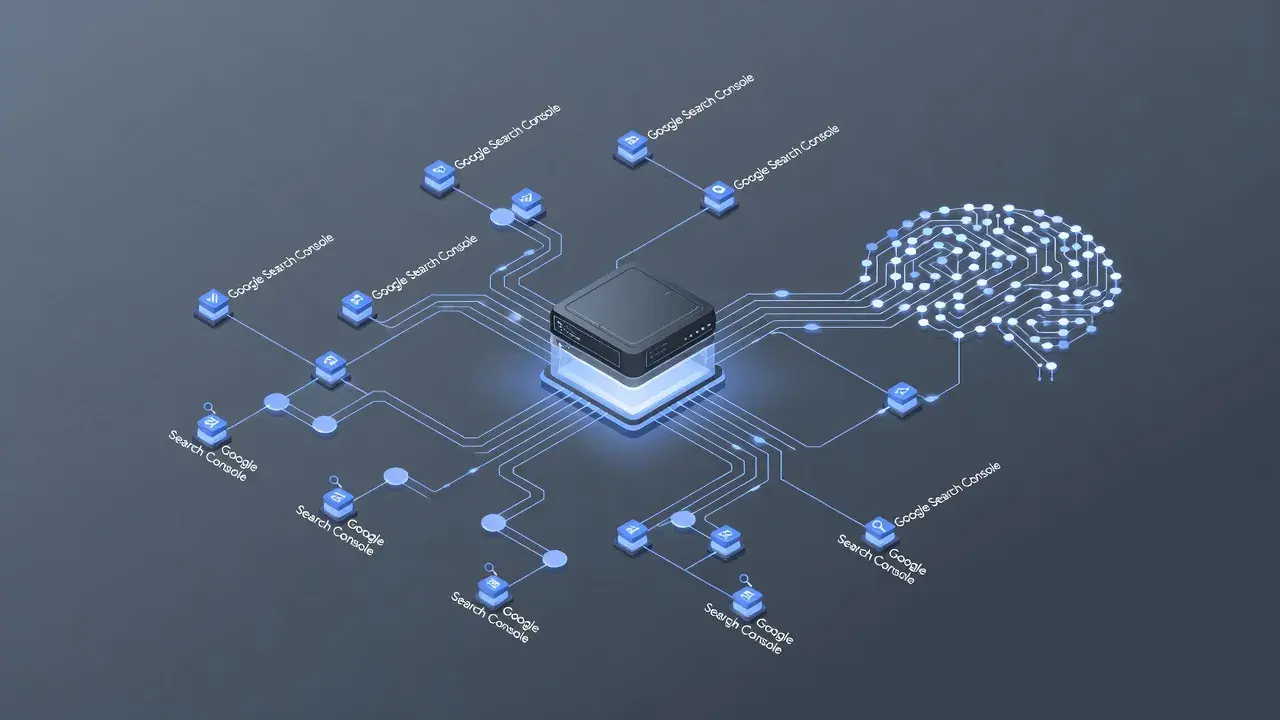
A Google Search Console MCP server is an open-standard integration that connects AI models like Claude or ChatGPT directly to your Google Search Console performance and indexing data. Unlike standard web dashboards, Model Context Protocol (MCP) lets an AI assistant query clicks, impressions, sitemaps, and URL inspection metrics on demand in natural language.
What does "MCP" stand for?
MCP stands for Model Context Protocol, an open-source standard introduced by Anthropic in late 2024 to connect AI assistants to external datasets. Before this protocol existed, connecting a Large Language Model (LLM) to a live data source required writing custom API scripts or building proprietary plugins for every individual platform.
MCP solves this fragmentation by establishing a uniform language that any AI client can use to read files, run database queries, or fetch live API metrics. You can read the original technical framework in Anthropic's official MCP announcement.
By standardizing how context is passed to language models, MCP allows developers to build a single server integration that works seamlessly across various AI interfaces.
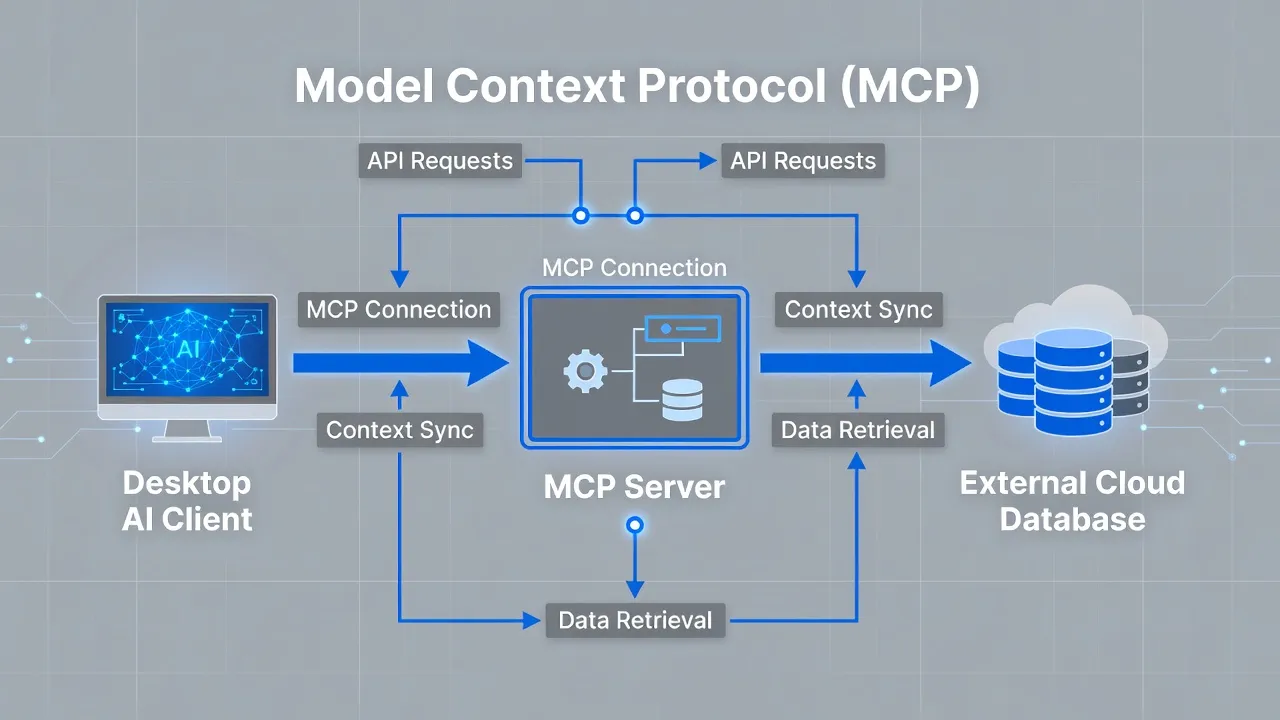
The MCP Protocol connects the AI Assistant (Claude, ChatGPT) bidirectionally with the GSC MCP Server (OAuth 2.0 Auth Hub).
The GSC MCP Server connects to Google Search Console through the Google Search API.
What is an MCP server?
An MCP server is a lightweight application that exposes specific tools, resources, and prompt templates to AI clients over a secure protocol. It acts as an intermediary bridge between your local AI environment (such as Claude Desktop or Cursor) and an external service like a database, a code repository, or a search analytics API.
The architecture relies on a client-server relationship:
- The MCP Host/Client: The AI software interface you interact with on your computer.
- The MCP Server: A background executable that translates the AI's natural language requests into structured API calls.
- The Data Source: The underlying third-party API or database holding your raw data.
When you ask your AI assistant a question about your site performance, the client routes that request through the MCP server. The server executes the necessary code, fetches the answer, and hands the raw data back to the LLM to summarize for you.
Public projects hosted on the open Model Context Protocol GitHub Repository demonstrate how these servers handle authentication and request routing securely.
How does an MCP server connect to Google Search Console?
A Google Search Console MCP server connects to Google's Search Console API using OAuth 2.0 authentication or service account credentials. The server runs locally on your machine or on a private server, holding the permission keys needed to communicate with Google's endpoints.
To set up the connection, you configure the server with read-only access to your Google Search Console account. The underlying mechanism relies on standard webmaster scopes provided by the Google Search Console API documentation.
Once authenticated, the server exposes discrete functions to your AI assistant. For example, it defines a tool called get_search_analytics that accepts parameters like start date, end date, dimension grouping, and query filters.
When you ask your AI assistant to check your traffic, it calls that specific server tool, executes the web request to Google, and reads the returned JSON payload directly into its working memory.
If setting up self-hosted Node.js scripts or local Python bridges sounds like unnecessary overhead, specialized organic growth platforms simplify this process. For example, PulseRank offers built-in Google Search Console reporting alongside automated article generation and GEO tracking for a flat $499 per month, eliminating the need to build and maintain custom MCP server scripts.
How is an MCP server used for SEO?
SEO professionals use Google Search Console MCP servers to run natural language diagnostics, automate rank tracking audits, and analyze search intent directly within LLM interfaces. Instead of exporting CSV files and constructing manual pivot tables, you ask the AI complex analytical questions about your site's performance.
Here are four common ways businesses use a GSC MCP server for daily organic search tasks:
- Striking-Distance Keyword Spotting: You can ask the AI to retrieve all search queries ranking in positions 11 through 20 that have over 1,000 monthly impressions, instantly creating an optimization priority list.
- CTR Anomaly Detection: The assistant can pull pages where impressions are surging but click-through rates remain below 1%, flagging meta title tags that need rewriting.
- Cannibalization Audits: The server allows the LLM to scan your search analytics data for instances where multiple URLs compete for the exact same search terms.
- Content Gap Identification: You can combine live GSC query data with your existing site map to pinpoint topics your target audience searches for that lack dedicated pages.
Using an MCP connection changes search engine optimization from a reactive spreadsheet exercise into a real-time conversation. You get instant answers without leaving your writing environment.
What monitoring functions does an MCP connector provide for Google Search Console?
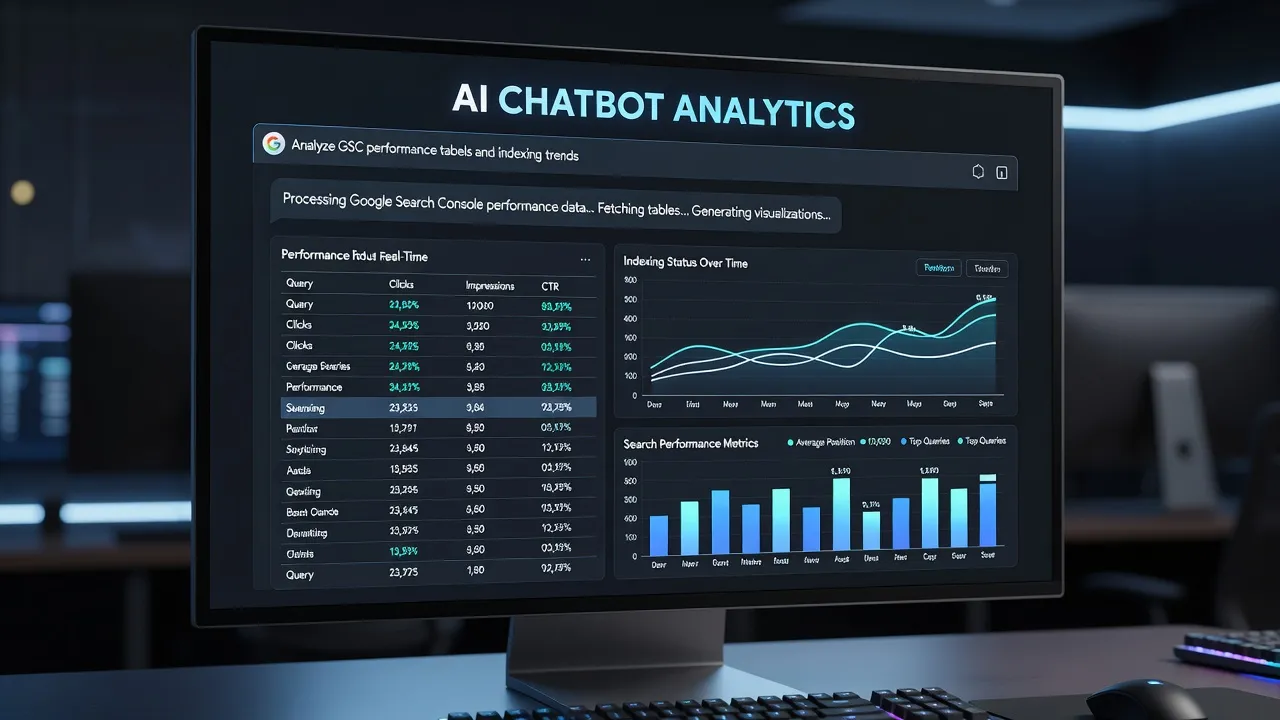
An MCP connector provides real-time access to Search Analytics queries, URL inspection indexing status, sitemap submission logs, and site usability error feeds. It turns static performance metrics into interactive diagnostic feeds inside your conversational workspace.
The table below breaks down the primary API functions exposed by a standard Google Search Console MCP connector and how an AI assistant utilizes them:
| GSC MCP Function Name | Primary Data Retrieved | Typical AI Assistant Use Case |
|---|---|---|
query_search_analytics | Clicks, impressions, CTR, average position by query, page, device, or country. | Identifying traffic drops, top-performing pages, and seasonal query trends. |
inspect_url | Indexing status, canonical URL selection, mobile usability, and rich result validation. | Diagnosing why a newly published article is not showing up in Google search results. |
list_sitemaps | Sitemap status, last submission date, total parsed URLs, and formatting errors. | Verifying that search engine crawlers are successfully discovering updated RSS or XML feeds. |
list_sites | Verified property list, user access levels, and domain ownership boundaries. | Confirming API authorization status across multiple client or sub-domain properties. |
These functions allow an AI agent to monitor structural technical health and front-end keyword visibility in a single step.
Comparing Google Search Console access methods
Choosing how to access your search engine data depends on your technical comfort, team size, and daily workflow demands. While some site owners prefer the traditional web dashboard, others rely on automated reporting platforms or custom protocol bridges.
The comparison table below lays out the key tradeoffs between different Search Console interfaces:
| Access Method | Setup Difficulty | Best For | Key Advantage | Main Limitation |
|---|---|---|---|---|
| PulseRank | Zero (Fully Managed) | Growth-focused businesses and agencies wanting an all-in-one solution. | Combines GSC reporting, AI citation tracking, and 30 monthly articles for $499/month. | Requires switching from disconnected point-solution tools. |
| Official GSC Web UI | None | Casual site owners making occasional spot checks. | Completely free, zero technical configuration required. | Limited to 16 months of data, manual CSV exports, no native AI analysis. |
| GSC MCP Server | High (Developer Required) | Technical SEOs and developers using Claude Desktop or Cursor. | Direct conversational queries inside your local LLM interface. | Requires local script maintenance, API key handling, and terminal management. |
| Custom Python/R Scripts | High (Coding Required) | Data analysts building custom internal data warehouses. | Total freedom over custom data storage and big data pipelines. | Time-consuming maintenance, no interactive natural-language interface out of the box. |
For organizations evaluating broader organic visibility, understanding the differences between analytical datasets is vital. You can read our detailed breakdown on google search console vs google analytics to learn how query data pairs with user behavior tracking.
Why traditional Search Console export workflows are changing in 2026
Traditional Search Console workflows relied heavily on manual data exports, but modern generative search requires instant, programmatic access to query data. As of September 2026, AI answer engines like Perplexity, ChatGPT, and Google Gemini dictate a growing share of organic web discovery.
Static monthly reporting is simply too slow for modern search engine optimization. SEO workflows have shifted dramatically over the past two years:
- Outdated Method: Exporting GSC performance data to CSV files once a month, building manual pivot tables in Excel, and drafting content recommendations in a separate document.
- Modern Method: Using standardized protocols or integrated platforms to query search analytics, index statuses, and AI citations continuously.
When your analytical tools communicate directly with your content production engine, you spend less time formatting spreadsheets and more time fixing content gaps. If you are exploring broader software options for modern search engine visibility, check out our curated guide on generative engine optimization tools.

Security and API limit considerations for GSC MCP setups
While running a Google Search Console MCP server offers flexibility, it introduces security risks and API quota limits that require careful management. Because an MCP server acts as an open gate between your local computer and your Google infrastructure, securing your credentials is critical.
Here are the primary security and technical constraints you must handle when running a self-hosted GSC MCP connector:
- OAuth Credential Storage: Storing raw client secrets or service account JSON files on a local disk creates vulnerability if your developer workspace is compromised.
- Read vs. Write Scope Risks: You should strictly enforce read-only scopes (
webmasters.readonly). Granting write permissions to an automated LLM protocol could allow an AI client to accidentally delete sitemaps or modify site settings. - API Quota Limits: Google Search Console imposes strict daily API query limits. A complex natural language query that loops through dozens of dimensions can exhaust your property quota in minutes.
- Token Expiration and Refresh: OAuth access tokens expire hourly. Your local MCP server environment must handle token refresh loops gracefully without crashing your AI chat session.
I strongly recommend using restricted read-only permissions and running local servers inside isolated containers to prevent unintended API execution.
Integrating GSC insights into an automated growth engine
Extracting search data through an MCP server is valuable, but data alone does not grow your business. The real challenge is converting performance metrics into published, high-ranking content that drives qualified traffic.
This is where an integrated management platform fundamentally changes the equation. Instead of spending hours managing technical MCP servers, configuring local terminals, and writing manual content briefs, PulseRank automates your entire organic search operation under one roof:
- Keyword Strategy: Researches high-intent keyword pools tailored to your business profile.
- 30-Day Content Plan: Builds a structured strategy targeting real sub-questions that search engines expand queries into.
- Daily Content Publishing: Writes and publishes one citation-ready article daily straight to WordPress, Shopify, Wix, or Git repositories.
- Built-in GSC & GEO Tracking: Integrates Google Search Console reporting alongside AI citation monitoring in a single view.
For $499 per month, you get a completely managed content engine that handles strategy, writing, image generation, publishing, and ranking tracking without juggling individual API connectors. If you want to streamline your search monitoring setup, explore our guide on how to monitor search engine rankings effectively across both traditional and generative platforms.
Frequently Asked Questions
What is the primary purpose of a Google Search Console MCP server?
A Google Search Console MCP server lets AI assistants like Claude or ChatGPT securely fetch and analyze your live Google Search Console traffic, query, and indexing data using natural language commands.
Do I need developer skills to set up an MCP server for GSC?
Yes, setting up a self-hosted MCP server requires comfort with command-line tools, Node.js or Python environments, API key configuration, and OAuth authentication credentials.
Is the Model Context Protocol exclusive to Anthropic and Claude?
No, MCP is an open-source standard. While introduced by Anthropic, any AI assistant, development environment, or client software can adopt the protocol to connect with external data servers.
Can an MCP server make unauthorized changes to my Google Search Console account?
An MCP server can only perform actions allowed by the OAuth API scopes you grant it. Configuring read-only permissions ensures the AI client can only view data, not alter your sitemaps or site settings.
What is the difference between an MCP server and a standard API integration?
A standard API integration requires hardcoded scripts to perform fixed tasks, while an MCP server exposes flexible tools that an AI model can call dynamically based on natural language conversations.
Are there daily usage limits when querying GSC through an MCP server?
Yes, requests made by an MCP server count against Google Search Console's official API quota limits. Heavy or repetitive queries can temporarily trigger rate limiting from Google's servers.
How does PulseRank handle Search Console data compared to a custom MCP server?
PulseRank provides built-in Google Search Console performance reporting directly within its managed platform alongside AI citation tracking and automated article publishing, removing the technical setup required by custom MCP scripts.