

An SEO checklist for a new website requires technical indexation safeguards, clean site architecture, accurate on-page metadata, and automated content publishing before going live. Skipping these foundational requirements can delay search engine indexing by weeks or permanently waste your site launch momentum.
As of September 2026, search engines evaluate new domain submissions alongside conversational AI engines that require structured, citation-ready data from day one. If your technical groundwork is incomplete, search bots might miss your core pages entirely.
New Website SEO Launch Pipeline
- Technical Audit (Robots, XML, SSL)
- On-Page Metadata (Titles, Schema)
- Content Strategy (Keyword Engine)
- Search Console
- Analytics Track
- Crawl & Index
Steps 1 through 3 feed into step 4. Steps 4 through 6 follow in sequence.
What should a technical SEO checklist for a new website include?
A technical SEO checklist for a new website must include search engine indexation directives, XML sitemaps, SSL encryption, canonical tags, and core performance optimization. Fixing these elements before your launch prevents search engines from crawling broken staging URLs or indexing duplicate content.
- Robots.txt Configuration: Ensure your file permits access to critical pages while blocking access to staging directories, admin folders, and internal search pages.
- XML Sitemap Generation: Create a dynamic XML sitemap that lists only canonical, indexable URLs and submit it directly to webmaster tools.
- SSL Security Enforcement: Secure your entire site with HTTPS by implementing server-side 301 redirects from HTTP to HTTPS versions.
- Clean URL Structures: Structure your site paths using descriptive lowercase slugs separated by standard hyphens rather than special parameters.
- Mobile Responsiveness: Implement responsive design principles so pages pass mobile usability standards across every viewport size.
As outlined in Google Search Central's robots documentation, an accidental Disallow: / rule in your robots.txt file will completely block search bots from indexing your domain. Verify that your production environment removes any staging blocks immediately upon deployment.
What on-page SEO checklist items (title tags, meta descriptions, canonical URLs, structured data) need to be checked before launch?
Pre-launch on-page SEO requires unique title tags under 60 characters, descriptive meta descriptions under 160 characters, self-referential canonical tags, and valid Schema.org structured data. These elements give search engines direct context regarding your page hierarchy and subject matter.
Title Tags and Meta Descriptions
Every page needs a unique title tag that places your target keyword near the beginning of the string. Keep title length between 50 and 60 characters so search engines do not truncate your headliner in search results. Write meta descriptions between 140 and 160 characters to act as direct promotional copy that drives higher click-through rates.
Canonical Tags
Implement standard <link rel="canonical" href="URL" /> HTML tags on every single published page. Self-referential canonical tags prevent duplicate content issues created by URL tracking parameters, trailing slashes, or alternate protocols. According to the W3C HTML specifications, defining canonical links clarifies the definitive location of your content for all web crawlers.
Structured Data Implementation
Add JSON-LD structured data markup to help both search engines and generative answer models identify your core entities. Use specific schema types such as Organization, WebSite, Product, or Article depending on the page intent.

How should site moves be handled in a new site launch SEO checklist?
Site moves in a new site launch require explicit 1-to-1 URL redirect mapping, XML sitemap updates, and immediate site address updates inside search engine webmaster portals. Failing to map historical URLs directly to their new counterparts will ruin your existing search equity and trigger widespread crawl errors.
- Crawl the Legacy Site: Export every existing URL, metadata string, and status code from your legacy system using a dedicated site crawler.
- Build a 301 Redirect Map: Pair every historical URL directly with its exact equivalent on the new site structure using permanent 301 status codes.
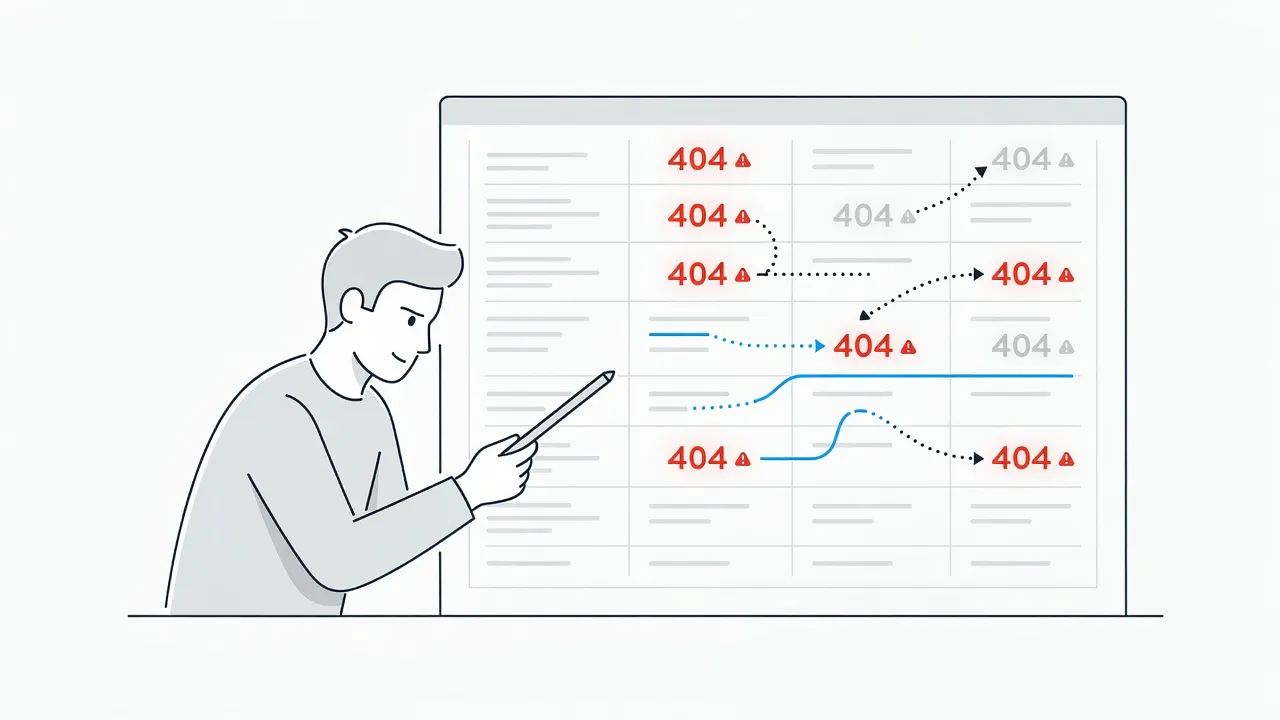
- Audit Broken Links: Run an internal check to verify that no incoming links hit 404 pages after the domain transition occurs.
- Submit Address Change Directives: Inform search engine portals about your domain migration using their official site move tools.
If you skip mapping even a small cluster of legacy links, you can easily cause crawl issues that lower your visibility. Learning how to fix 404 errors in google search console is an essential recovery step if unexpected broken pages surface post-launch.
The 7 Essential Phases of a New Website SEO Launch Checklist
Launching a new domain requires a systematic setup to ensure search visibility from day one. The following seven phases cover everything from server-level protocols to content publishing strategy.
- Search Indexation & Directives
- On-Page Optimization & Schema
- Technical Performance & Security
- Content Engine & Keyword Strategy
- Domain Migration & Redirect Mapping
- Analytics & Performance Tracking
- Post-Launch Audit & Verification
Phase 1: Search Indexation & Directives Setup
Verifying indexation directives ensures that search engine crawlers can reach and process your public web pages without friction. Your site must provide explicit rules on which pages to index and which to ignore.
- Create a clean
robots.txtfile in your root directory. - Generate a dynamic
sitemap.xmlfile containing all indexable URLs. - Verify site ownership inside Google Search Console and Bing Webmaster Tools.
- Remove
noindexmeta tags from production template files.
A common mistake during website launches is leaving staging directives active on live servers. If your production site retains noindex headers from development, search engines will completely ignore your domain.
Phase 2: Pre-Launch On-Page Metadata Optimization
On-page metadata tells search engines exactly what each page is about before they evaluate user behavior metrics. Setting up title tags, descriptions, and headings correctly prevents keyword cannibalization across your domain.
- Write unique title tags for every primary page on the website.
- Add compelling meta descriptions with clear calls to action.
- Assign a single H1 tag per page that contains the target search topic.
- Format body headings logically using sequential H2 and H3 structures.
- Add descriptive alt text to every image file for accessibility and visual search.
If your site contains hundreds of template pages, manual metadata creation quickly creates bottlenecks. Standardize your metadata formulas across product or category templates to maintain consistency across the entire domain.
Phase 3: Technical Performance, Security, and Mobile Optimization
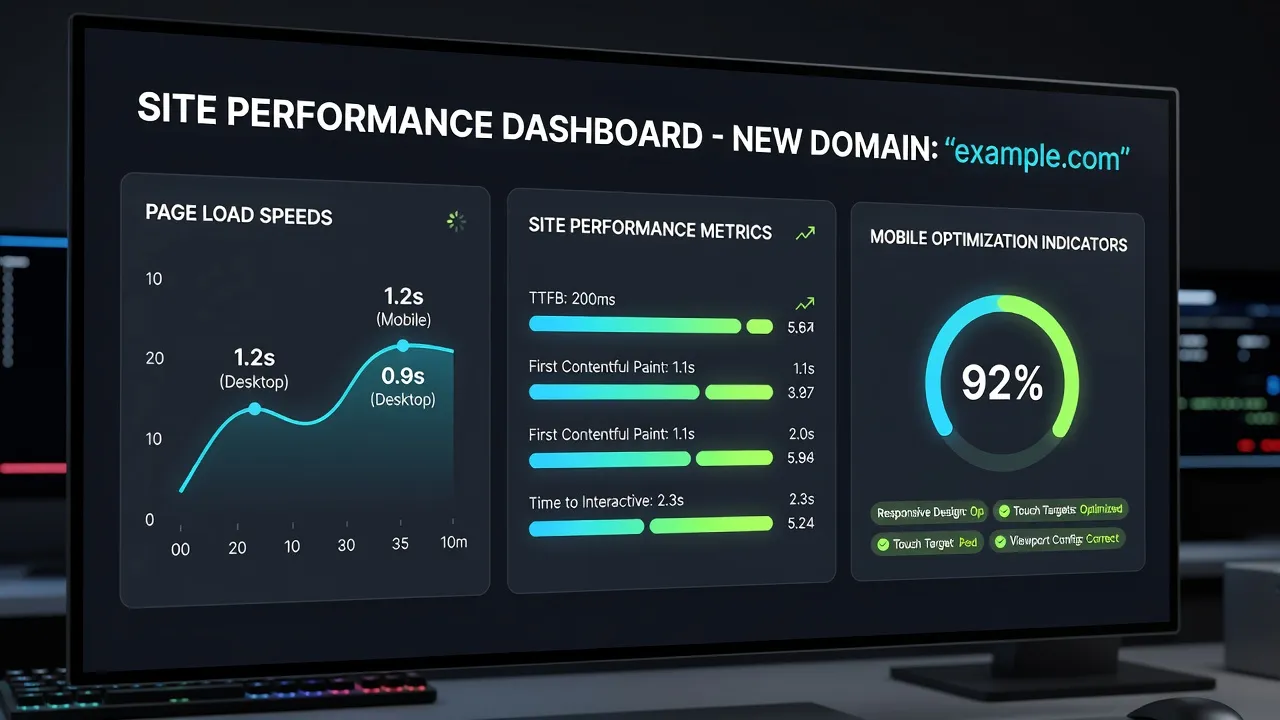
Fast page speeds and secure server connections directly influence user experience and search rankings. Modern search engines prioritize sites that load rapidly and protect user data with modern encryption standards.
- Install an active SSL certificate to serve pages strictly over HTTPS.
- Compress all image assets using modern web formats like WebP or AVIF.
- Enable browser caching and network-level CDN asset delivery.
- Minify CSS, JavaScript, and HTML files to reduce total page payload sizes.
- Test mobile usability using responsive testing frameworks.
According to technical guides on Google Search Central's HTTPS documentation, search engines explicitly prefer secure sites over insecure HTTP connections. Enforcing site-wide HTTPS protection protects user credentials and provides a foundational ranking signal.
Phase 4: Automated Content Strategy & Publishing Setup
Publishing consistent, search-focused content right after launch builds domain authority and drives early search impressions. A new website needs an active content engine to signal to search engines that the site is actively maintained.
To scale content production without managing a team of writers, platforms like PulseRank handle the entire organic workflow. PulseRank researches your keyword pool, builds a structured 30-day strategy, and automatically generates citation-ready articles directly on your CMS.
Setting up a consistent publishing cadence early helps search engines discover your brand faster. Coupling an active content calendar with an aggressive organic traffic generation approach helps build topical relevance across your industry vertical.
Phase 5: Analytics and Tracking Infrastructure
Configuring analytics infrastructure allows you to track early traffic trends, user pathways, and search performance. You cannot improve search performance without accurate baseline data recorded from the moment of launch.
- Install Google Analytics 4 (GA4) with custom conversion events configured.
- Link your Google Search Console account directly to GA4 for unified reporting.
- Set up event tracking for form submissions, button clicks, and checkouts.
- Test tracking tags inside staging environments before deploying to production.
Comparing organic data across tracking suites can reveal setup errors early. Reviewing key differences like google search console vs google analytics helps you interpret search impressions versus actual website engagement correctly.
Phase 6: Domain Migration and Redirect Execution
Executing domain migrations using strict redirect maps preserves established search rankings and user traffic. Unmapped pages lead to immediate traffic drops and lost search equity.
- Map every legacy URL directly to its precise counterpart on the new domain.
- Implement server-level 301 permanent redirects for all mapped routes.
- Update external brand profile links and priority directory listings.
- Monitor response codes to catch and fix unexpected 404 errors immediately.
Never use temporary 302 redirects when migrating domains permanent 301 redirects are required to pass search engine equity to new destinations. Keep legacy domains active and pointed to your new site for at least one full year after migration.
Phase 7: Post-Launch Technical Verification Audit
Conducting a technical crawl immediately after public deployment catches unexpected bugs before search engines index them. Staging deployments often introduce minor errors that escape basic manual testing.
- Run a full site crawl using automated site auditing tools.
- Check that canonical tags point strictly to live production URLs.
- Test your dynamic XML sitemap inside search engine webmaster consoles.
- Verify structured data formatting using official JSON-LD validators.
According to standard JSON-LD guidelines on Schema.org, invalid syntax prevents search engines from parsing rich snippet entities. Validating your code ensures that search engines display your structured data correctly in search results.
Comparing New Site SEO Setup Options and Tools
Choosing the right approach for your new website launch depends heavily on your team's size, budget, and technical resources. The comparison table below evaluates standard implementation workflows across key platform capabilities.
| Setup Method | Target Audience | Primary Strengths | Trade-Offs & Constraints | Price Floor |
|---|---|---|---|---|
| Manual In-House Setup | Technical founders, in-house developers | Total control over code, custom integrations, no platform vendor lock-in | Takes significant dev time, high risk of missing technical steps | Internal labor cost |
| PulseRank Platform | Growing businesses, agencies, lean teams | Automated keyword research, 30-day strategy, auto-publishing, integrated GSC & AI citation tracking | Fixed workflow structure, requires initial CMS integration | $499 per month flat |
| Point-Solution Stack | Specialized SEO teams, web agencies | Highly customizable tools for separate tasks (crawling, content, rank tracking) | Expensive tool stack, requires manual setup across multiple services | $300-$800 per month |
| Traditional SEO Agency | Enterprise brands, non-technical teams | Hands-off delegation, strategy management, custom technical development | High monthly retainers, slower turnaround times for content deployment | $2,500+ per month |
If you want an all-in-one system that manages keyword research, content production, and analytics tracking in a single interface, PulseRank offers a flat $499 per month plan that publishes 30 search-ready articles every month straight to your site.
Why Is Structured Data Essential for a New Website Launch?
Structured data provides explicit contextual code that helps search engines interpret page content and feature your site in rich snippets. Without structured data markup, search bots must rely entirely on visual content parsing to determine your business details.
Raw web page content in unstructured text form feeds into JSON-LD schema as structured data, which then feeds into search engine rich snippets.
Implementing standard schemas gives your domain an advantage in generative answer engine results and standard search interfaces alike.
- Organization Schema: Defines your brand name, logo, social profiles, and corporate identity.
- WebSite Schema: Powers sitelinks search boxes directly within engine results pages.
- Product Schema: Displays live pricing, product availability, and review stars for e-commerce listings.
- Article Schema: Signals publishing dates, author entities, and original headlines for blog posts.
Writing schema markup directly in JSON-LD format is the industry standard recommended by search engines. Ensure your structured data blocks load in the page document header so search bots process them on their first pass.
What Common SEO Mistakes Sink New Website Launches?
The most common SEO mistakes on new sites are indexing staging servers, missing canonical tags, leaving broken redirects unmapped, and failing to publish content consistently. Avoiding these simple errors saves weeks of troubleshooting and traffic recovery work later.
Indexing Staging Environments
A frequent technical oversight is leaving staging environments open to search crawlers without password protection. If search engine bots index your test site alongside your live domain, they will flag your live pages as duplicate content.
Using Generic Placeholder Content
Launching pages filled with placeholder text like "Lorem Ipsum" or incomplete product descriptions tells search engines that your site lacks value. Always populate every public URL with finalized, high-quality text before removing launch blocks.
Blocking Production Assets in Robots.txt
Development teams often block entire CSS and JavaScript asset directories inside robots.txt files during testing. Modern search engines need access to layout styling assets to render pages accurately and evaluate mobile responsiveness.
How Long Does It Take a New Website to Rank in Search Engine Results?
A new website typically takes between three to six months to achieve stable search rankings for competitive keywords. Search engines use this initial period to evaluate domain stability, user interaction signals, and content publishing consistency.
| Timeline | Phase |
|---|---|
| Month 1 | Indexation & Crawling Baseline |
| Month 2-3 | Initial Keyword Targeting & Impression Growth |
| Month 4-6 | Ranking Stabilization & Organic Traffic Scaling |
To speed up this indexing and ranking timeline, keep your publishing pipeline active from day one. Consistently adding well-structured, topic-focused pages builds domain relevance far faster than launching a static site and leaving it untouched.
Frequently Asked Questions
What is the most important SEO step when launching a new site?
The most important step is ensuring search engines can crawl and index your public pages by submitting a valid XML sitemap to Google Search Console and verifying that your production robots.txt file permits crawling.
Should I submit my site to Google before or after launch?
Submit your domain immediately after public deployment. Never submit staging environments or incomplete sites before your production content, canonical tags, and security settings are live.
How do I stop search engines from indexing my site during development?
Password-protect your development environment using basic HTTP authentication or add a noindex meta tag to your staging site headers. Remember to remove these blocks when migrating code to production.
Why is my new site not showing up in search results?
New sites are often delayed in search results because search engines haven't crawled the domain yet, staging noindex blocks were left active, or the domain lacks external signals like live sitemap submissions.
How many pages should a new website launch with?
There is no fixed page requirement, but launching with a complete set of core utility pages plus 10 to 15 topic-focused articles gives search engine bots enough content to parse your site's target industry.
Do I need an SSL certificate for SEO on a new website?
Yes, HTTPS encryption is an official ranking signal for search engines. Browsers also flag non-HTTPS sites as insecure, which increases bounce rates and hurts conversion performance.
Can I change my domain name without losing my existing search rankings?
Yes, but you must map every old URL to its new location using permanent 301 redirects, update your sitemaps, and inform search engines using official site address change tools.