

Direct traffic comes from visitors who type your website address directly into a browser or click an un-tracked link, while organic traffic comes from non-paid search engine results. While organic traffic shows that your site is discoverable on search engines, direct traffic usually indicates strong brand awareness or returning customers. However, browser privacy updates and mobile app redirects cause millions of search visits to be misclassified as direct traffic every month.
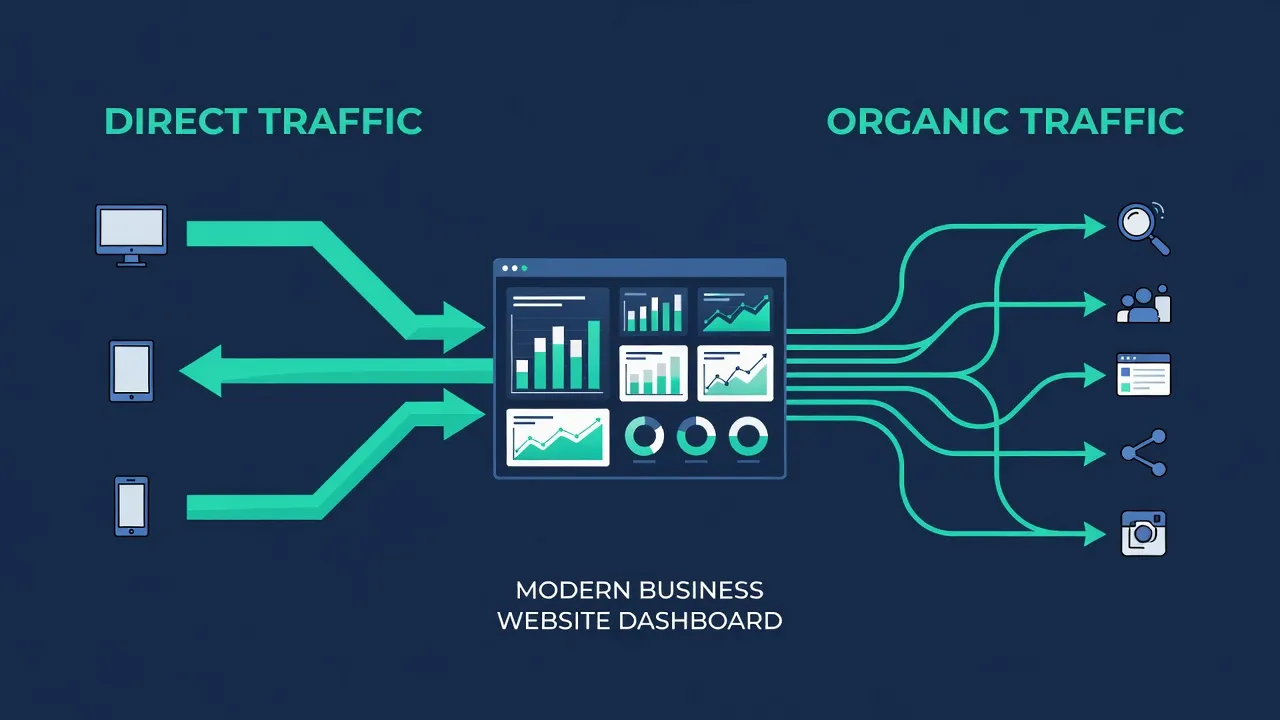
Direct Traffic vs. Organic Traffic: Core Differences
The primary difference between direct and organic traffic lies in how the visitor finds your website URL. Organic visitors enter a query on a search engine like Google or DuckDuckGo and click an unpaid listing. Direct visitors arrive without passing through a search engine or external referral link first.
Understanding the balance between these two channels helps you measure top-of-funnel reach versus customer retention. The table below breaks down the key characteristics and structural constraints of both traffic types.
| Metric / Dimension | Direct Traffic | Organic Traffic |
|---|---|---|
| Primary Traffic Source | Typed URLs, bookmarks, un-tracked document links, or messaging apps. | Unpaid search engine results pages (SERPs). |
| Audience Intent | High brand familiarity; returning users, employees, or existing clients. | Problem-solving or discovery; prospect searching for specific solutions. |
| Cost Constraint | Low direct acquisition cost, but requires existing brand equity. | Requires ongoing content production or technical search engine optimization. |
| Scalability Limit | Capped by brand market awareness and word-of-mouth growth. | Highly scalable based on keyword search volume and rankings. |
| Tracking Reliability | Low; absorbs "dark traffic" from broken HTTP referrers. | Moderate to High; verified by search console search query metrics. |
| Conversion Focus | Bottom-of-funnel retention, account logins, and direct repeat purchases. | Top-and-middle-of-funnel lead generation and new customer acquisition. |
Evaluating your traffic breakdown requires clear insight into how your content ranks. Many businesses use PulseRank to manage their organic search footprint, combining automated content creation with built-in Google Search Console reporting to monitor keyword acquisition.
How Does GA4 Misattribute Organic Search as Direct Traffic?
Google Analytics 4 (GA4) misattributes organic search as direct traffic whenever the browser's HTTP referrer header is missing or explicitly stripped during a user session. When GA4 cannot detect an originating website domain or search engine URL, it assigns the session source as (direct) and the medium as (none).
- Search engine result link is clicked
- Referrer header is stripped
- GA4 logs the traffic as direct / none
According to the official Google Analytics documentation, (direct) / (none) acts as a catch-all bucket for any session lacking referral data. Several technical friction points strip this referral header before a user hits your page:
- Protocol Downgrades (HTTPS to HTTP): If a user clicks an organic search link on a secure
https://search page that leads to an unsecurehttp://page on your site, the browser automatically drops the referrer header for security. - Mobile App Browsers: Webviews inside mobile apps like TikTok, Slack, or native email clients frequently scrub referrer headers during handoffs to default mobile browsers.
- Strict Privacy Settings: Modern browsers implementing rigid W3C referrer policies (such as Safari's Intelligent Tracking Prevention) truncate or omit referrer URLs under specific conditions.
- Incorrect Cross-Domain Redirects: 302 temporary redirects or JavaScript-based client-side redirects can drop the originating search header if the redirect string is improperly formatted.
If your site receives high volumes of search visits, even a minor tracking flaw can hide hundreds of organic conversions inside your direct traffic numbers.
How Can You Identify Direct Traffic That Is Actually Organic Search (Dark Traffic)?
You can identify dark organic traffic by auditing traffic spikes to deep blog posts or complex subpages that users rarely type by hand. A user might type yourcompany.com directly, but nobody manually enters yourcompany.com/blog/how-to-fix-database-index-errors-2026 into a mobile browser address bar.
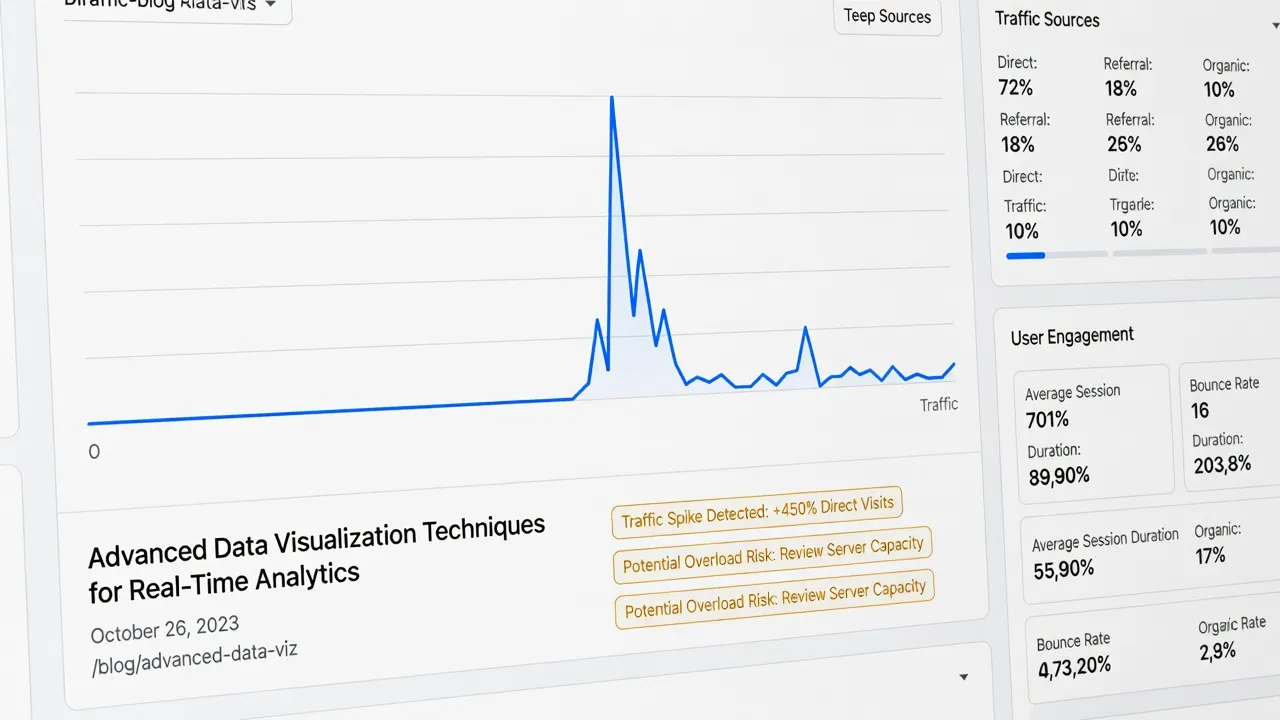
To spot hidden organic sessions inside your direct traffic, evaluate these three anomalies:
- Deep Landing Page Paths: Filter your GA4 direct traffic reports by "Landing page." If deep technical guides or niche product pages show high direct visits, those sessions are almost certainly un-tracked organic search visits.
- Geographic Alignment: Compare sudden direct traffic surges against your primary geographic search markets. If direct traffic to a specific blog post spikes in tandem with new keyword rankings, search engines are sending those visitors.
- New vs. Returning User Ratios: Direct traffic typically consists of returning users. If your direct traffic reports show an 80% ratio of new visitors to deep URLs, bad referrer tracking is disguising search engine users as direct traffic.
By monitoring these patterns, you can quantify how much of your reported direct traffic is actually "dark search" traffic.
How Can Search Console, UTM Data, and Server Logs Reclassify Direct Traffic as Organic?
Cross-referencing Google Search Console click totals against server log files and UTM parameters reveals exact search visits that lost their referrer tags in GA4. Search Console records query clicks at the search engine level before the user reaches your website, making it immune to browser referrer stripping.
For a deeper dive into technical tracking differences, read our full breakdown on Google Search Console vs Google Analytics.
To reclassify direct sessions back to organic search, use this three-part verification process:
- Export GSC Clicks by URL
- Match Server Log Timestamps
- Reclassify GA4 Direct Sessions
1. Compare Search Console Clicks to GA4 Organic Sessions
Export your daily URL-level click data from Google Search Console and line it up against GA4 organic sessions for the exact same URLs. If Search Console records 500 clicks to a specific landing page on Tuesday, but GA4 reports only 200 organic sessions and 300 direct sessions, those missing 300 sessions represent misattributed organic traffic.
2. Analyze Raw Server Logs
Server log files capture raw HTTP GET requests directly from visitor IP addresses and user-agent strings. When GA4 reports a direct session, your server log often records the true browser agent and incoming search crawler footprint. Matching exact access timestamps between your server logs and Search Console click events proves the session originated from search.
3. Enforce Strict UTM Parameters on External Assets
While organic search results cannot carry hardcoded UTM parameters, your syndicated content, PDF guides, and RSS feeds should. Adding utm_source=organic_syndication to offline documents prevents those clicks from falling into the GA4 (direct) / (none) bucket when users access them.
What Tools Help Analyze Dark Traffic Disguised as Direct in GA4/Google Analytics?
Dedicated SEO platforms, raw database engines, and server log analysis tools help businesses reclassify misattributed direct traffic. Standard web analytics rely strictly on browser headers, but specialized tools correlate multi-channel data streams to restore acquisition accuracy.
Choosing the right tool depends on your technical resources, budget, and business size. The comparison table below evaluates the primary platforms used to diagnose and resolve dark traffic attribution issues.
| Tool / Platform | Primary Function | Dark Traffic Resolution Method | Cost & Constraints |
|---|---|---|---|
| Google Analytics 4 | Standard multi-channel web analytics. | Low native resolution; relies entirely on browser-passed referrer headers. | Free standard plan; enterprise 360 plans start around $50,000/year. |
| PulseRank | Automated SEO/GEO content platform & rank tracker. | High resolution; correlates GSC search query data directly with content performance. | Flat $499/month plan; includes 30 articles/month, GSC tracking, and AI citation tracking. |
| Google BigQuery | Cloud data warehouse for custom analytics SQL. | Very high resolution; exposes raw event timestamps and client IDs for custom SQL modeling. | Pay-as-you-go based on storage and query volume; requires dedicated data engineering. |
| Ahrefs / SEMrush | Competitive search research and rank tracking. | Medium resolution; estimates search impressions and visibility gaps vs reported traffic. | Entry plans start between $99 and $139/month; strict user seat and credit limits. |
While tools like BigQuery offer complete data flexibility, they demand custom data pipelines. For businesses building a predictable growth channel, PulseRank offers an all-in-one alternative by handling keyword research, daily content generation, direct publishing, and Search Console performance tracking in a single flat-rate workflow.
How Can BigQuery Be Used to Investigate GA4 Direct Traffic Attribution?
BigQuery analyzes un-aggregated GA4 raw event data using custom SQL queries to flag sessions where referrer values were dropped mid-session. Standard GA4 reports group sessions into static channel definitions, but raw BigQuery exports allow you to query exact event timestamps, landing pages, and user client IDs.
According to the W3C Referrer Policy Specification, browser security policies often truncate URLs during redirects. You can write SQL queries in BigQuery to isolate potential dark search sessions using logic like this:
SELECT
  user_pseudo_id,
  event_timestamp,
  event_name,
  (SELECT value.string_value FROM UNNEST(event_params) WHERE key = 'page_location') AS page_location,
  (SELECT value.string_value FROM UNNEST(event_params) WHERE key = 'page_referrer') AS page_referrer
FROM
  `your-project-id.analytics_123456789.events_*`
WHERE
  traffic_source.name = '(direct)'
  AND (SELECT value.string_value FROM UNNEST(event_params) WHERE key = 'page_location') LIKE '%/blog/%'
ORDER BY
  event_timestamp ASC;
This query extracts all (direct) traffic sessions landing specifically on /blog/ paths. By evaluating the page_referrer field against known search engine domain signatures (such as android-app://com.google.android.googlequicksearchbox), you can identify organic visits that GA4's default interface mislabeled as direct traffic.
What Do Ahrefs and SEMrush Offer for Identifying Organic Search Within Direct Traffic?
Ahrefs and SEMrush provide independent keyword ranking and click-volume estimates that reveal when your GA4 organic traffic numbers are unrealistically low. Neither tool accesses your private GA4 account directly, but both track real-time SERP positions across millions of search terms.
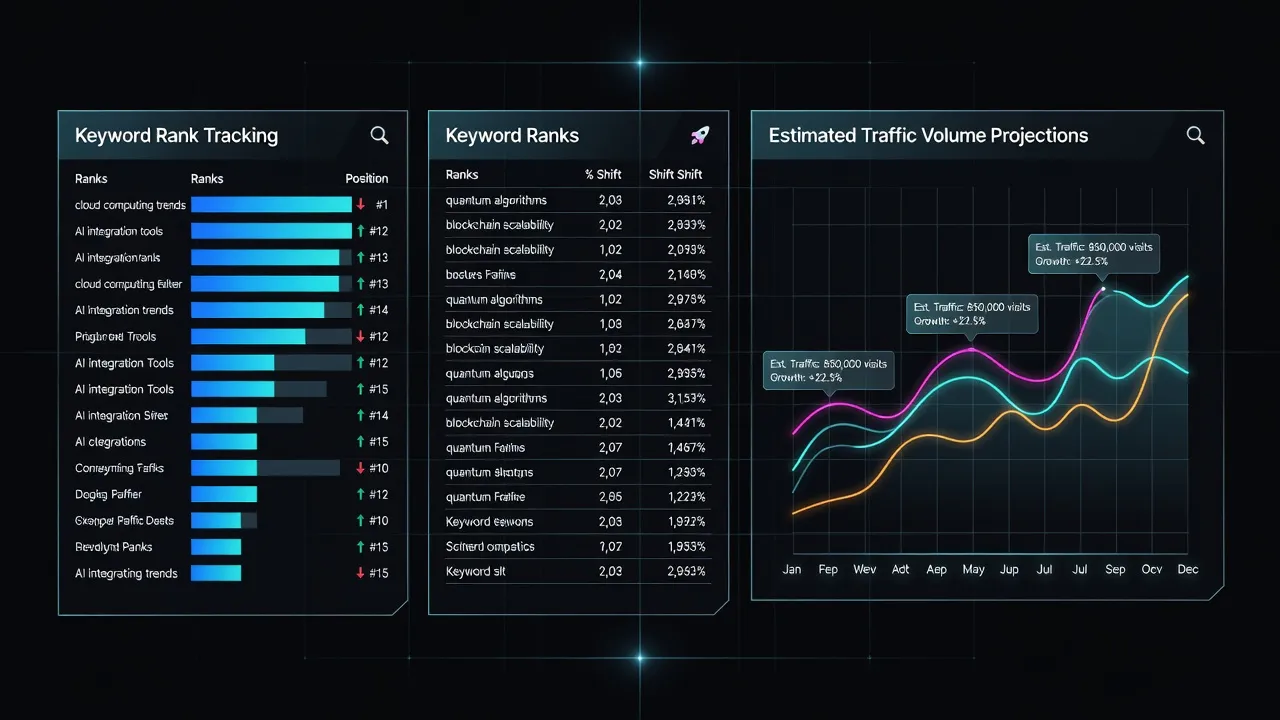
If Ahrefs or SEMrush shows that your site ranks in position #1 for a 10,000-monthly-search keyword, but GA4 reports only 50 organic sessions to that landing page alongside 3,000 direct sessions, you have structural dark traffic. You can use these competitive intelligence platforms to audit dark traffic through three main functions:
- Rank vs. Traffic Discrepancy Audits: Compare estimated keyword traffic against reported GA4 organic sessions on high-ranking pages.
- SERP Feature Tracking: Track whether your pages win Featured Snippets or AI Overviews. Mobile AI Overviews frequently drop traditional referrer tags, causing snippet clicks to log as direct traffic.
- Competitive Organic Benchmarking: Review competitor traffic profiles to see if your industry averages higher direct-to-organic ratios.
While these research tools prove that a discrepancy exists, fixing your overall traffic pipeline requires a consistent content strategy. If you want to expand your total search footprint, read our complete guide on organic traffic generation.
Choosing the Right Traffic Strategy for Your Business
A healthy online business relies on both traffic types: organic search attracts new customers, while direct traffic reflects brand retention and loyalty. Relying exclusively on direct traffic limits your market reach to people who already know your name. Conversely, relying entirely on organic search leaves your acquisition funnel vulnerable to search engine algorithm updates.
To build a balanced, resilient traffic portfolio, structure your team's workflow around three priorities:
- Fix Your Analytics Attribution: Audit your site for HTTPS protocol mismatches, broken 302 redirects, and un-tracked mobile links to minimize dark traffic misclassification.
- Publish Search-Focused Content Consistently: Target specific user questions and technical keywords to capture high-intent organic search volume.
- Convert Organic Readers into Direct Visitors: Use email newsletters, clear callouts, and strong brand positioning to turn first-time search visitors into returning direct users.
If maintaining a daily search content pipeline feels overwhelming for your team, platforms like PulseRank automate the process. By managing keyword research, content production, automated publishing, and Search Console rank tracking under one flat plan, you can scale organic traffic without adding headcount.
For agency teams managing multiple client sites simultaneously, check out our guide on how to refine your content distribution strategy.
Frequently Asked Questions
What is the main difference between direct and organic traffic?
Direct traffic comes from users who enter your URL directly into their browser, click a bookmark, or follow an un-tracked link. Organic traffic comes from unpaid listings on search engines like Google or Bing.
Why is my direct traffic higher than my organic traffic in GA4?
High direct traffic often indicates technical tracking issues, such as missing referrer headers, HTTPS-to-HTTP protocol downgrades, mobile app redirects, or strict browser privacy settings that scrub search engine referral data.
Can social media clicks show up as direct traffic?
Yes, social media clicks appear as direct traffic if the app or platform opens links in an internal webview or strips referral parameters before opening the external browser.
What is dark traffic in Google Analytics?
Dark traffic refers to sessions originating from external sources—like search engines, social media, or email clients—that GA4 incorrectly categorizes as (direct) / (none) because the referrer header was lost.
Does direct traffic help your site's SEO rankings?
Direct traffic does not directly boost search engine rankings, but high direct traffic signals brand authority, user engagement, and repeat site visits, which correlate with strong overall domain performance.
How do I stop my organic traffic from being tracked as direct traffic?
Ensure your entire site uses HTTPS, replace 302 redirects with clean 301 redirects, tag all non-search promotional links with UTM parameters, and use Google Search Console to verify true click volumes.
Is organic traffic free?
Organic search clicks are free, but creating high-quality content, managing technical SEO, and building keyword strategy require time, software subscriptions, or content production investments.